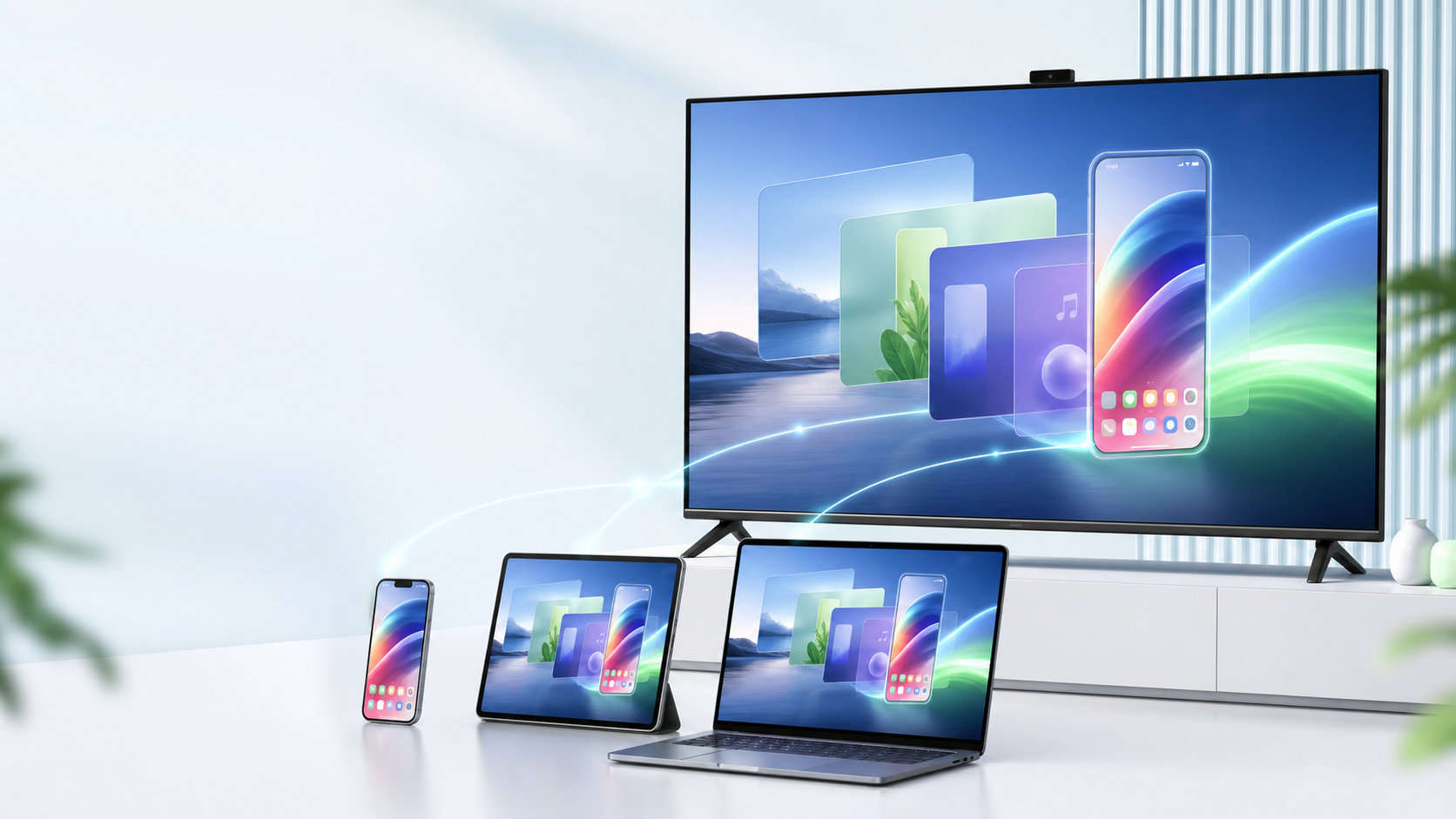
Screen Mirroring
Mirror your phone or PC to a TV or projector in real time with crisp image quality and ultra-low latency.
WordPress 产品站 Demo
把手机、电脑和平板稳定投到大屏。
Core Features
From screen mirroring to file transfer, from meeting presentations to classroom interaction — mix and match as needed.
Mirror your phone or PC to a TV or projector in real time with crisp image quality and ultra-low latency.
Drag and drop photos, videos, and documents across devices — no cables or cloud drives needed.
Your TV stays ready to receive; just scan the QR code from your phone. Perfect for home and office.
USB direct-connect mode for stable screen mirroring even without a network — ideal for classrooms and meeting rooms.
Record your screen and add annotations while mirroring — replay lessons or save meeting notes.
No client install needed — just open a browser and cast. Zero setup for impromptu presentations.
Cast photos from your phone to the TV in one tap — easier sharing at family gatherings.
Cast online videos to your big-screen TV and say goodbye to watching on a small screen.
Annotate and draw on the big screen in real time — great for teaching and product demos.
How to Use
No complicated setup — pick a device, scan the code, and cast. The whole process takes under 30 seconds.
Select the right client from the Download Center — desktop, mobile, or TV.
Connect both devices to the same network, then scan the QR code or enter the pairing code.
Your screen syncs to the big screen instantly, with multiple modes: mirroring, quick transfer, and recording.
Download Center
Current version 2.8.0, released on 2026-06-09.
Launch screen mirroring and file transfer from your PC — ideal for presentations, live streams, and course recording.
Download Desktop AppCast your phone to a TV or PC in one tap — easily share photos, videos, and apps.
Download Mobile AppYour TV receives a stable signal — versatile for home entertainment, showroom displays, and office screen mirroring.
Download TV AppUse Cases
Cast movies, shows, and photos from your phone to the TV — more enjoyable for the whole family.
Mirror your laptop to the meeting room screen for seamless PPT presentations and remote collaboration.
Teachers cast their tablet to the classroom projector — annotations sync in real time so students see everything clearly.
Automatically cast promotional videos, menus, and interactive content to display screens to attract customers.
User Reviews
I cast my iPad straight to the projector in class — students can see all my drawings and annotations. No more turning around to write on the blackboard.
When clients visit, my laptop connects and casts instantly — way faster than hunting for an HDMI cable.
When my kid wants to watch cartoons on the phone, I cast them to the TV — bigger screen is better for their eyes.
I cast directly from my device for group meeting presentations — no need to copy files to the meeting room PC. So much easier.
I can update display screens at every store right from my phone — no dedicated staff needed. Saves a lot of hassle.
When I demo remotely for clients, I just open a browser and cast — no software install needed, very convenient.
FAQ
Just connect both devices to the same Wi-Fi network. Wired screen mirroring is also supported, so you can use it without any network at all.
Windows, macOS, iOS, Android, and major smart TVs are all supported. Check the Download Center for specific models.
On a local network, latency is typically under 80 ms — unnoticeable for everyday presentations and video playback. Wired mode has even lower latency.
Basic screen mirroring is free. Advanced features (recording, annotation, simultaneous multi-device casting) require a Pro subscription.
All screen mirroring data stays on your local network — it never passes through any cloud server. File transfers are end-to-end encrypted.
Free download, install in minutes, and experience the convenience of screen mirroring right away.
Free Download